| Your task | Relevant tool | What to prepare or check |
|---|---|---|
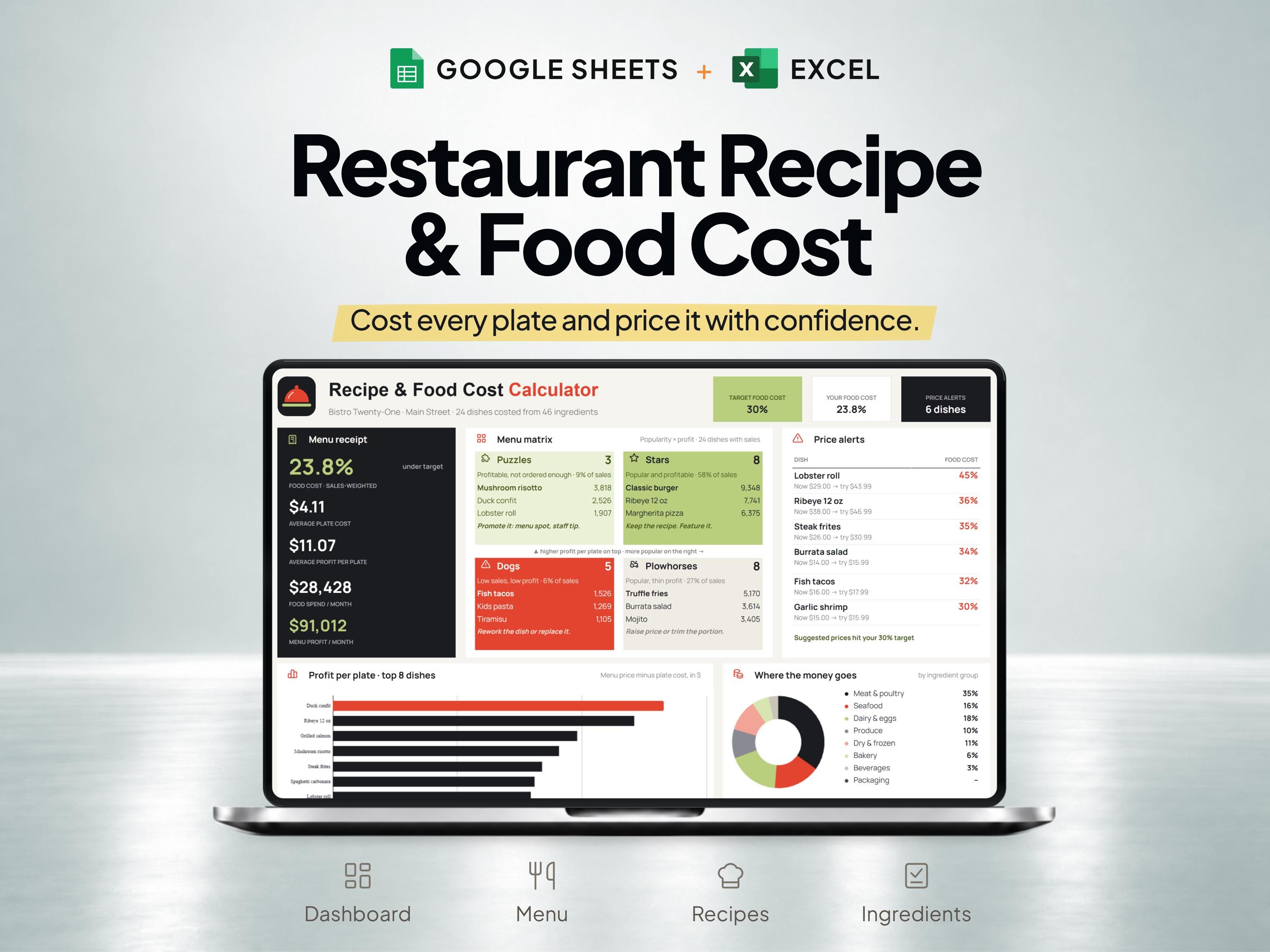
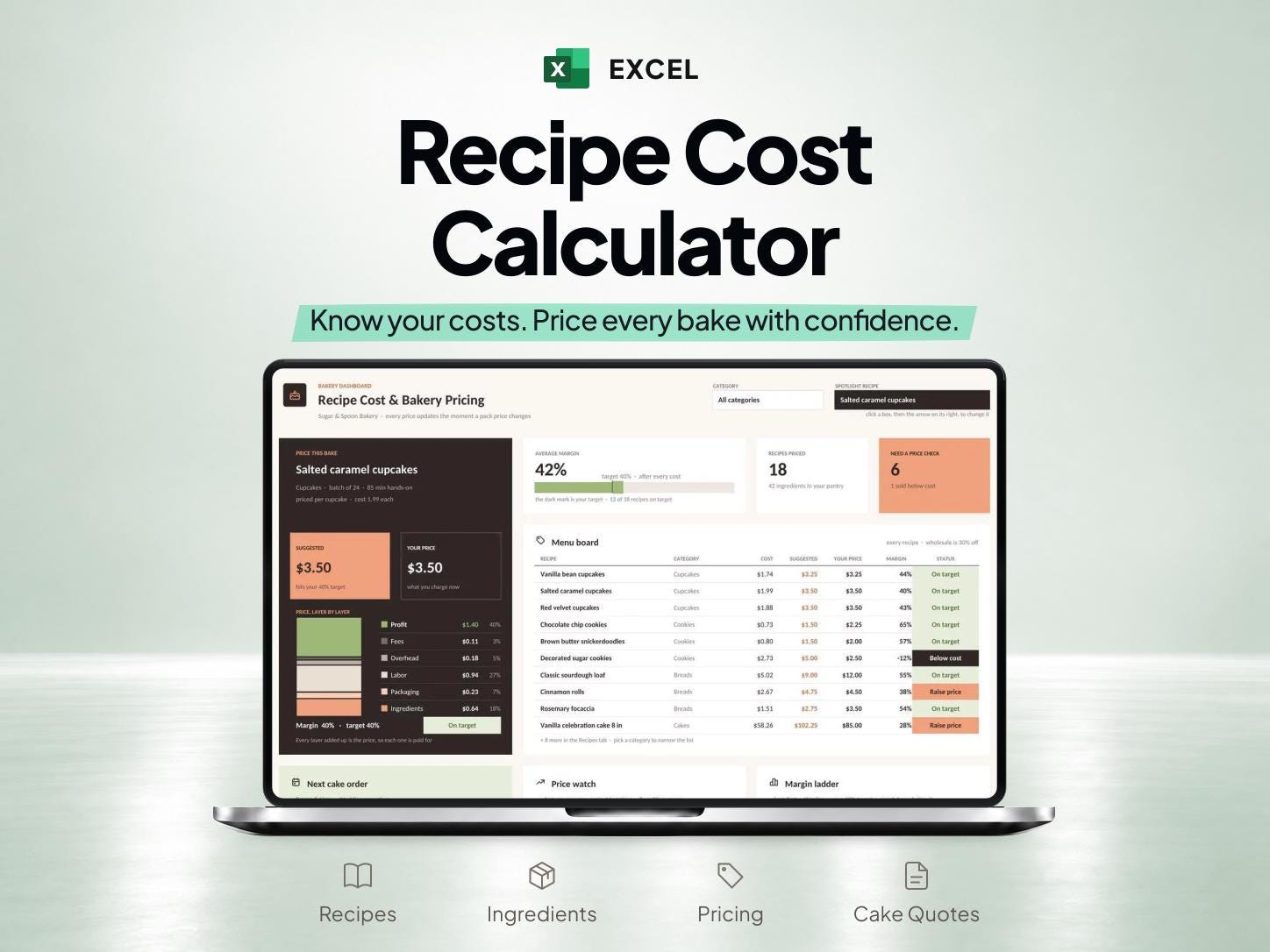
| Cost one dish or bakery recipe | Recipe Cost Calculator | Pack quantities, pack prices, quantities used and portion yield |
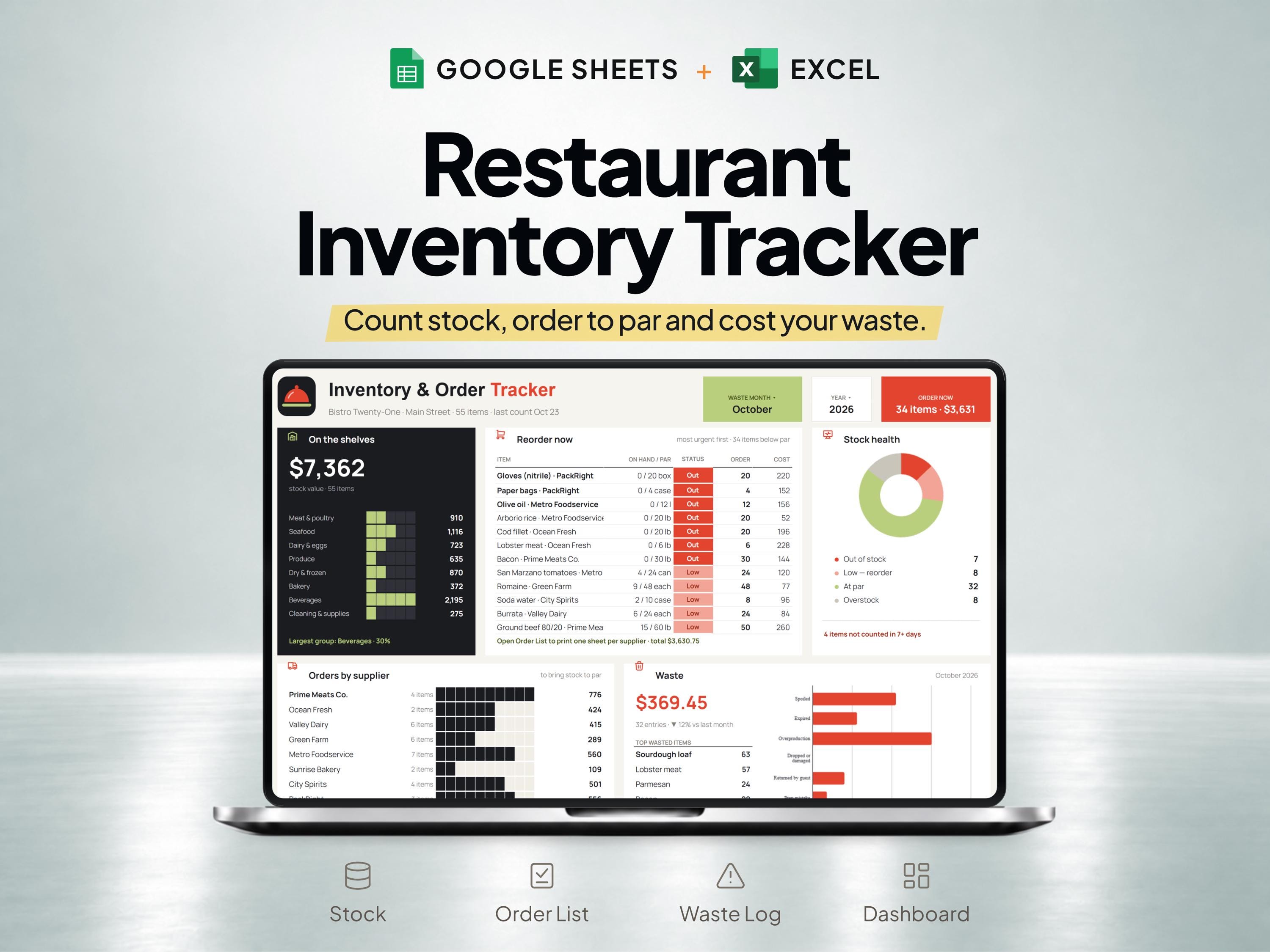
| Track kitchen stock and orders | Restaurant Inventory | Stock counts, par levels, orders and waste records |
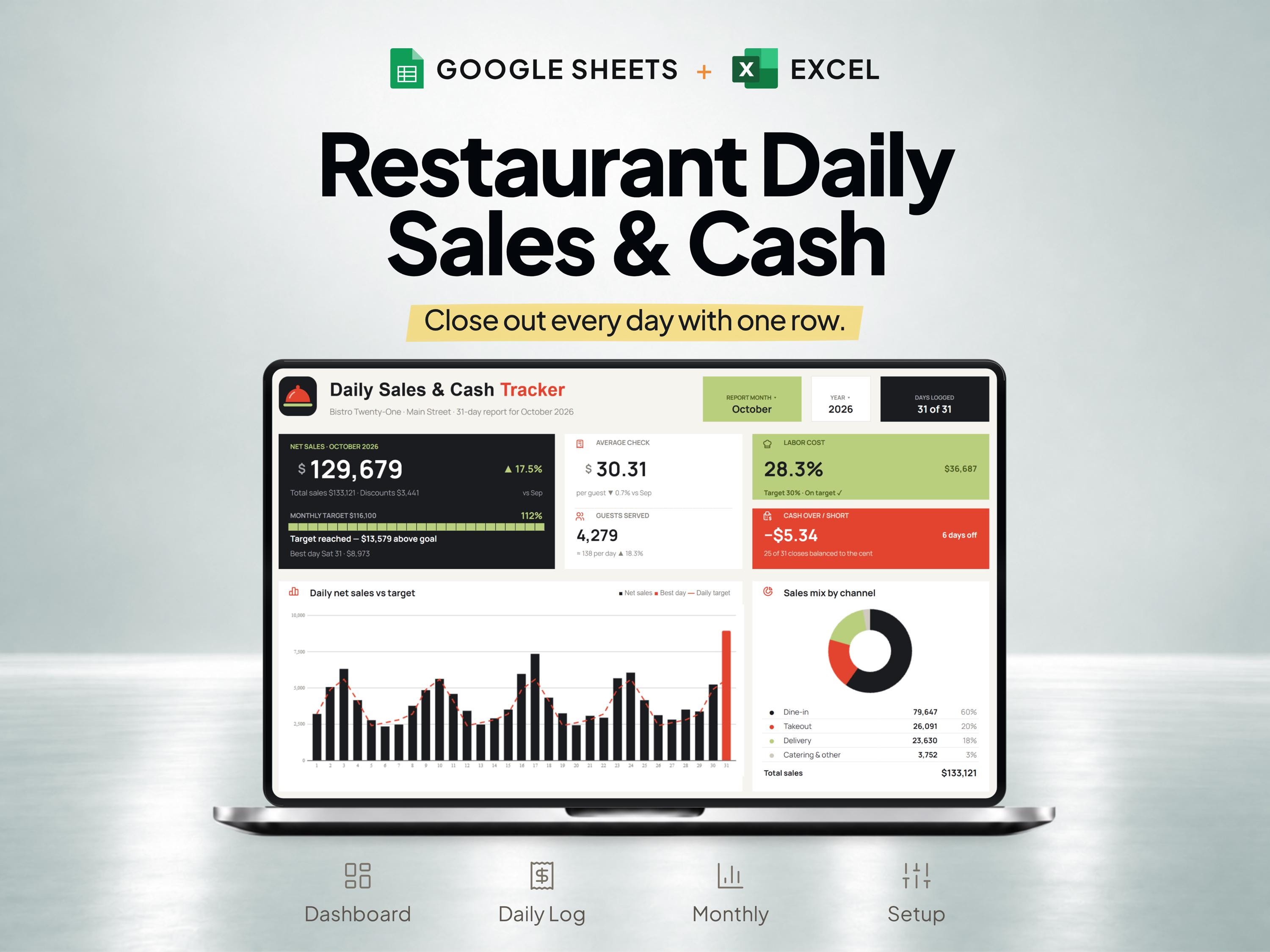
| Record each day's trading | Daily Sales & Cash Tracker | Daily sales, cash figures and closing records |
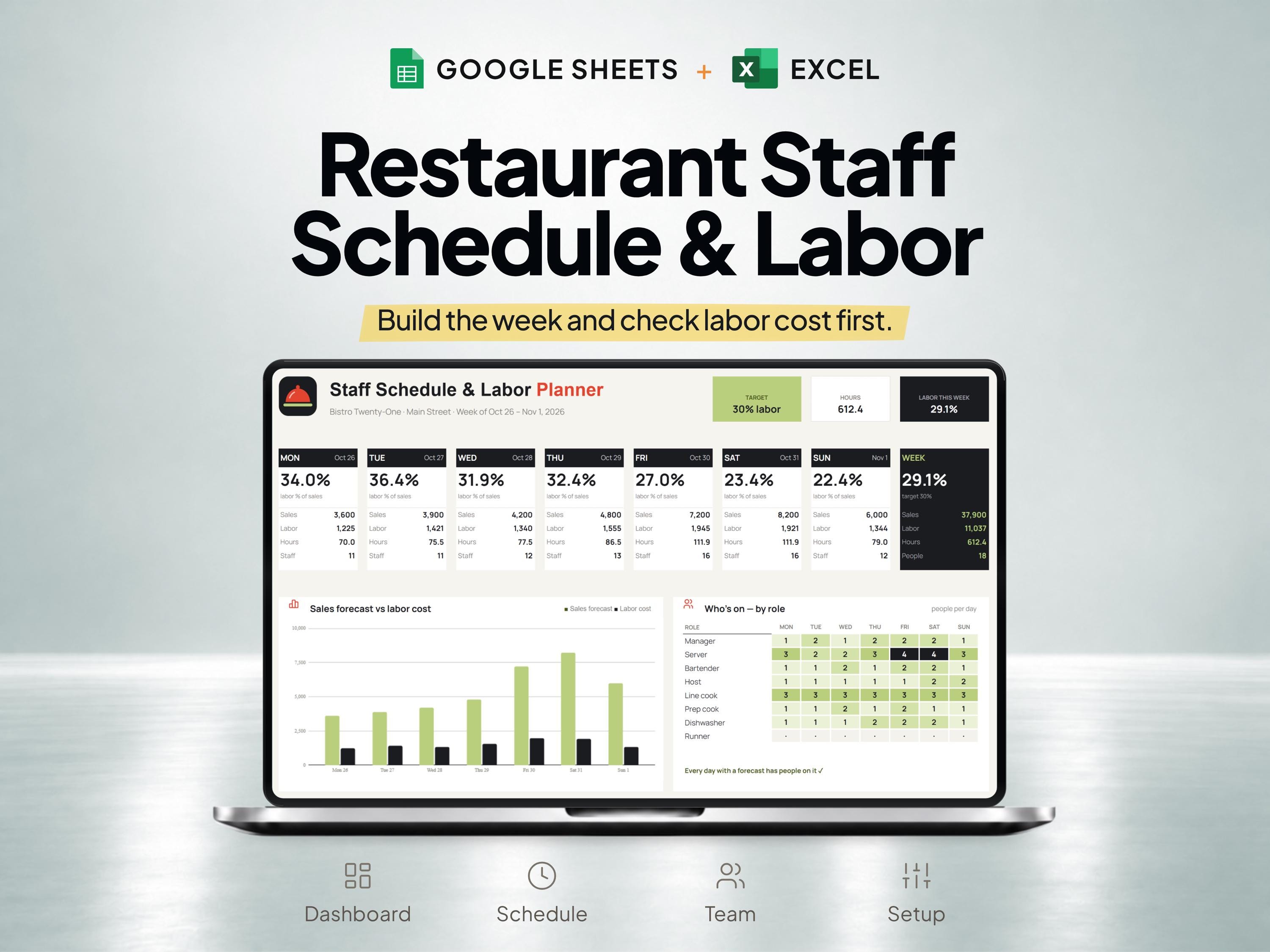
| Plan shifts and labor costs | Staff Schedule & Labor Cost Planner | Employee shifts and the cost assumptions for the schedule |
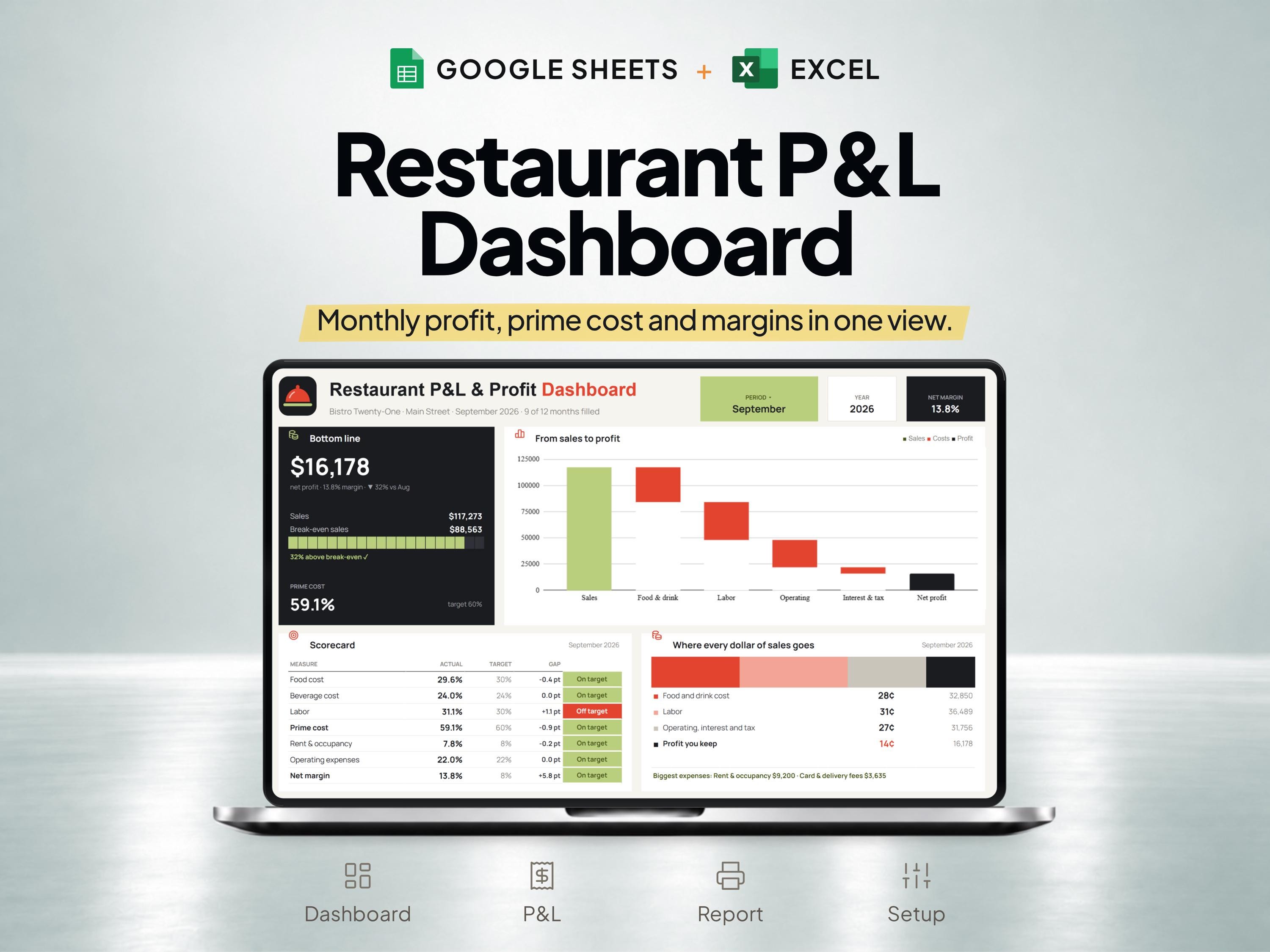
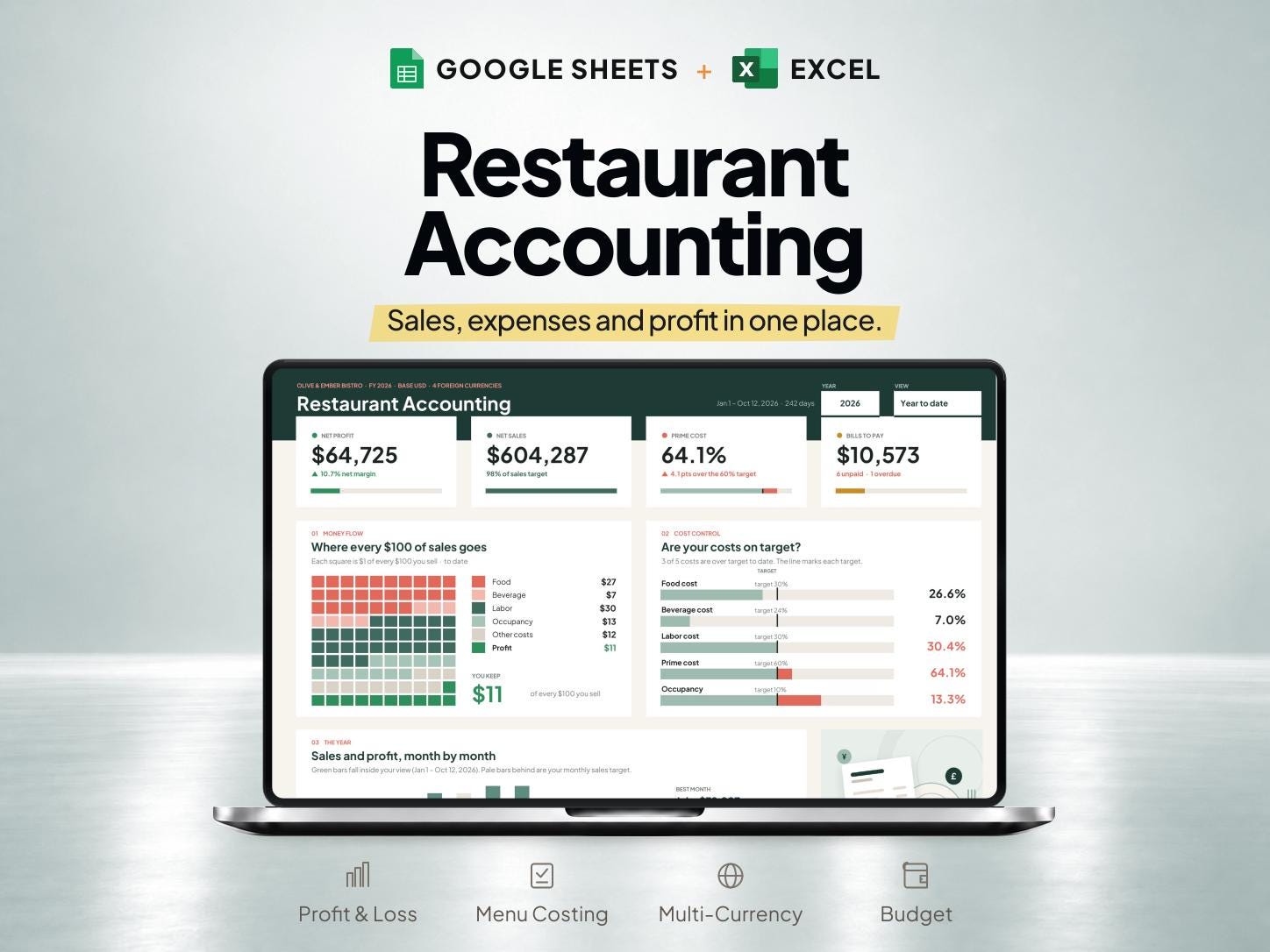
| Review period results | Restaurant Profit & Loss | Income, costs and prime-cost figures for a consistent period |
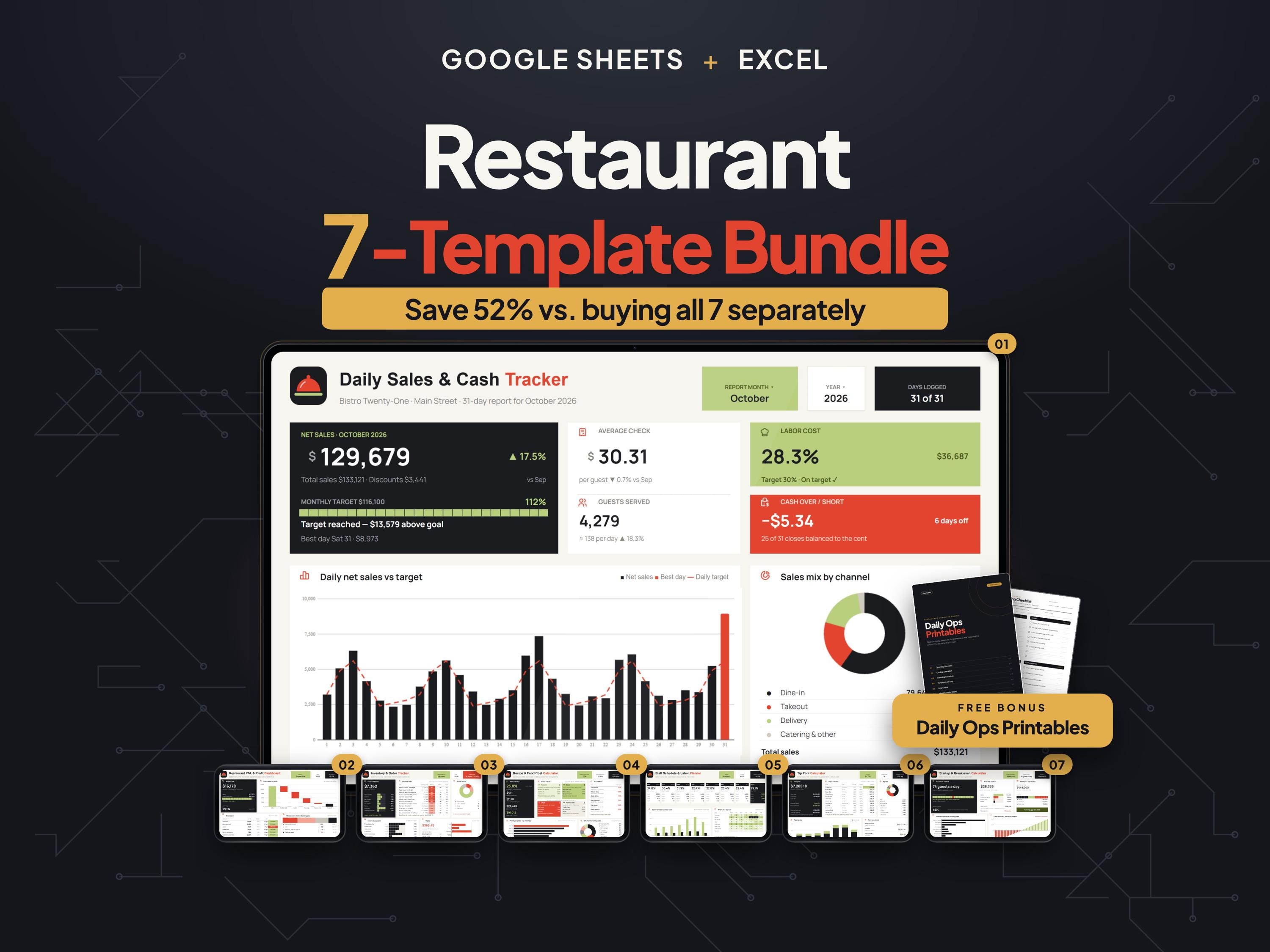
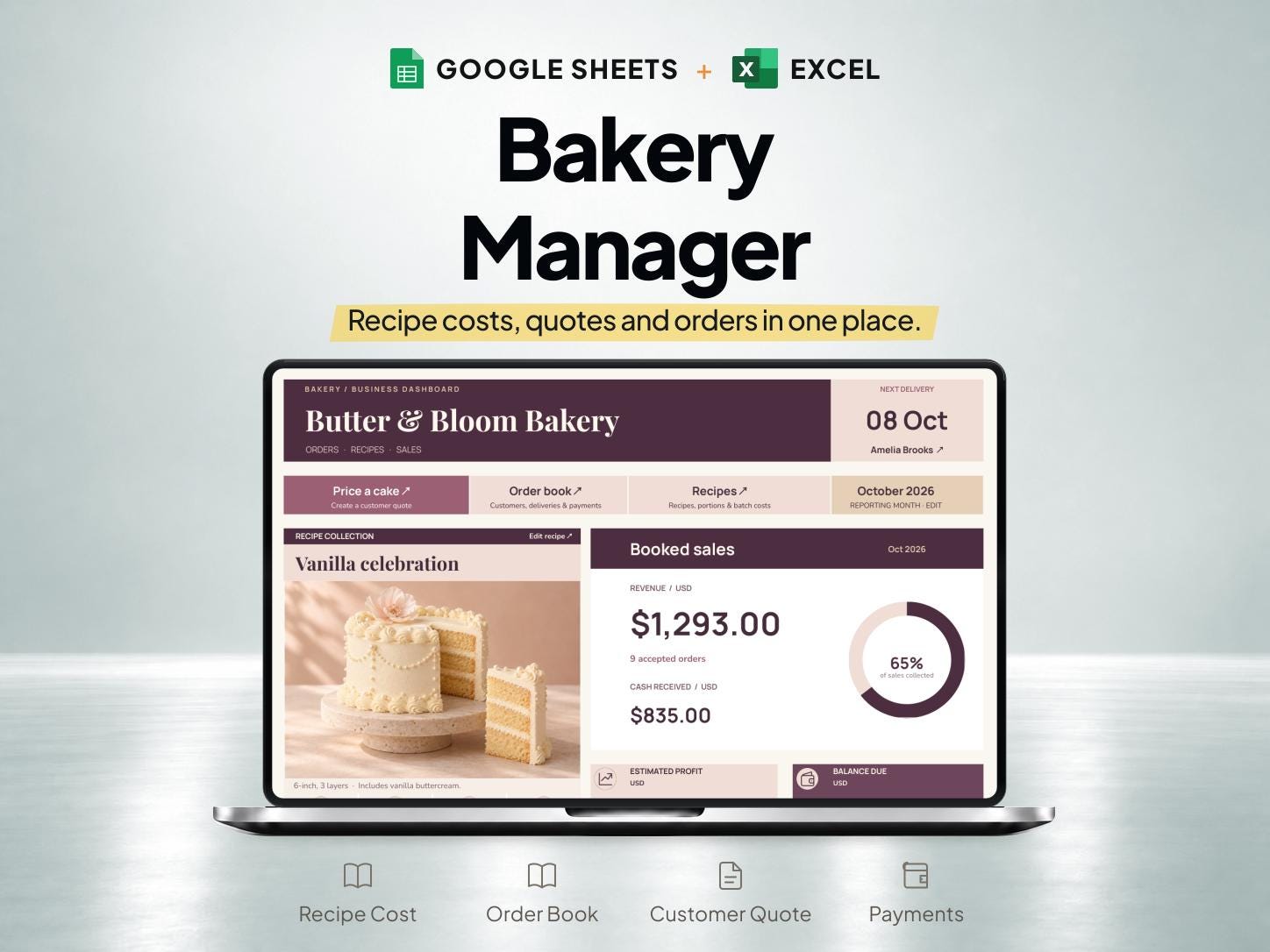
| Combine several operating tasks | Restaurant Management Bundle | Seven templates; compare the included files on the listing |
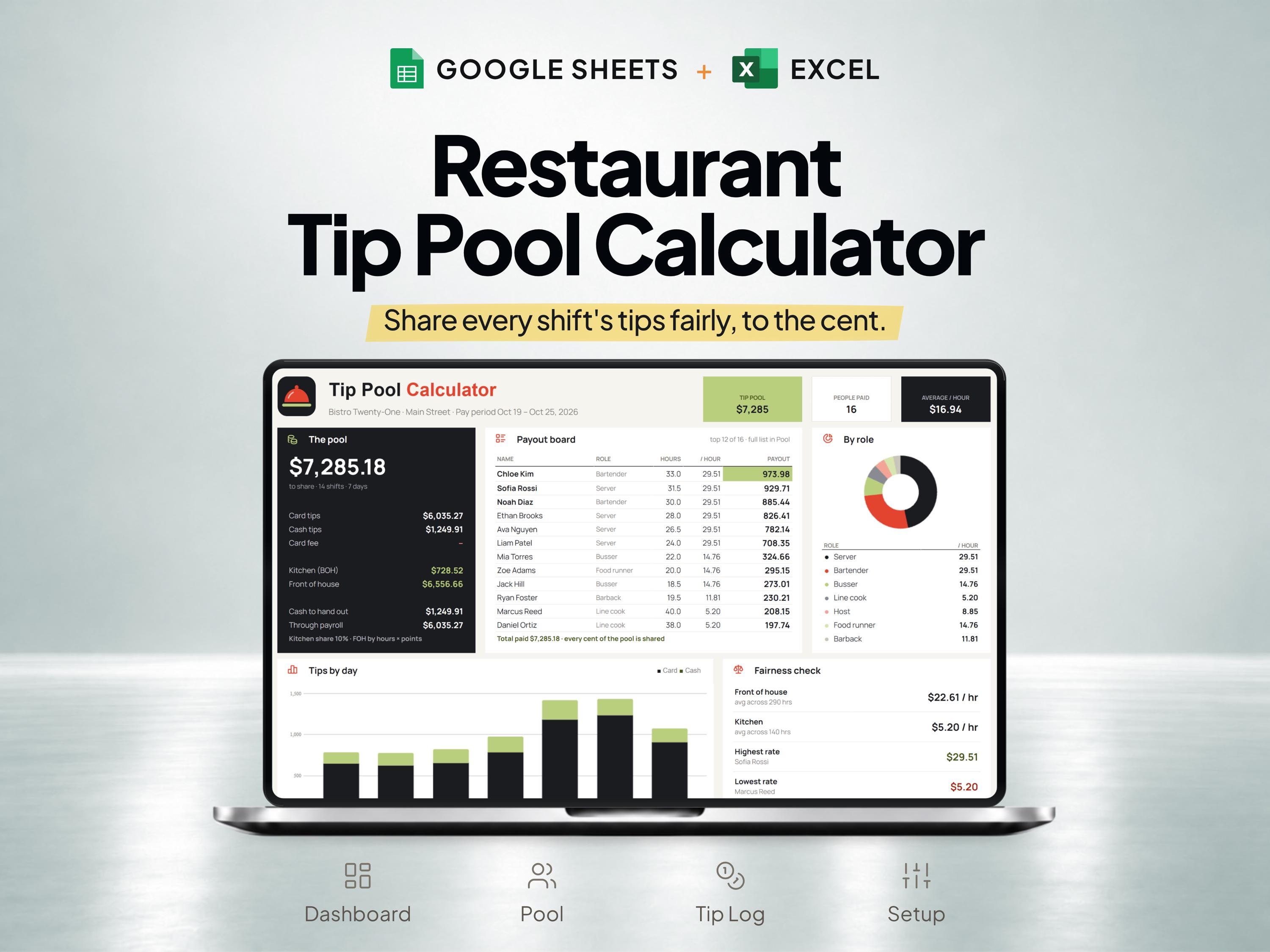
| Calculate shared tips | Restaurant Tip Pool Calculator | Tip totals and allocation inputs to record; confirm the method in the listing |
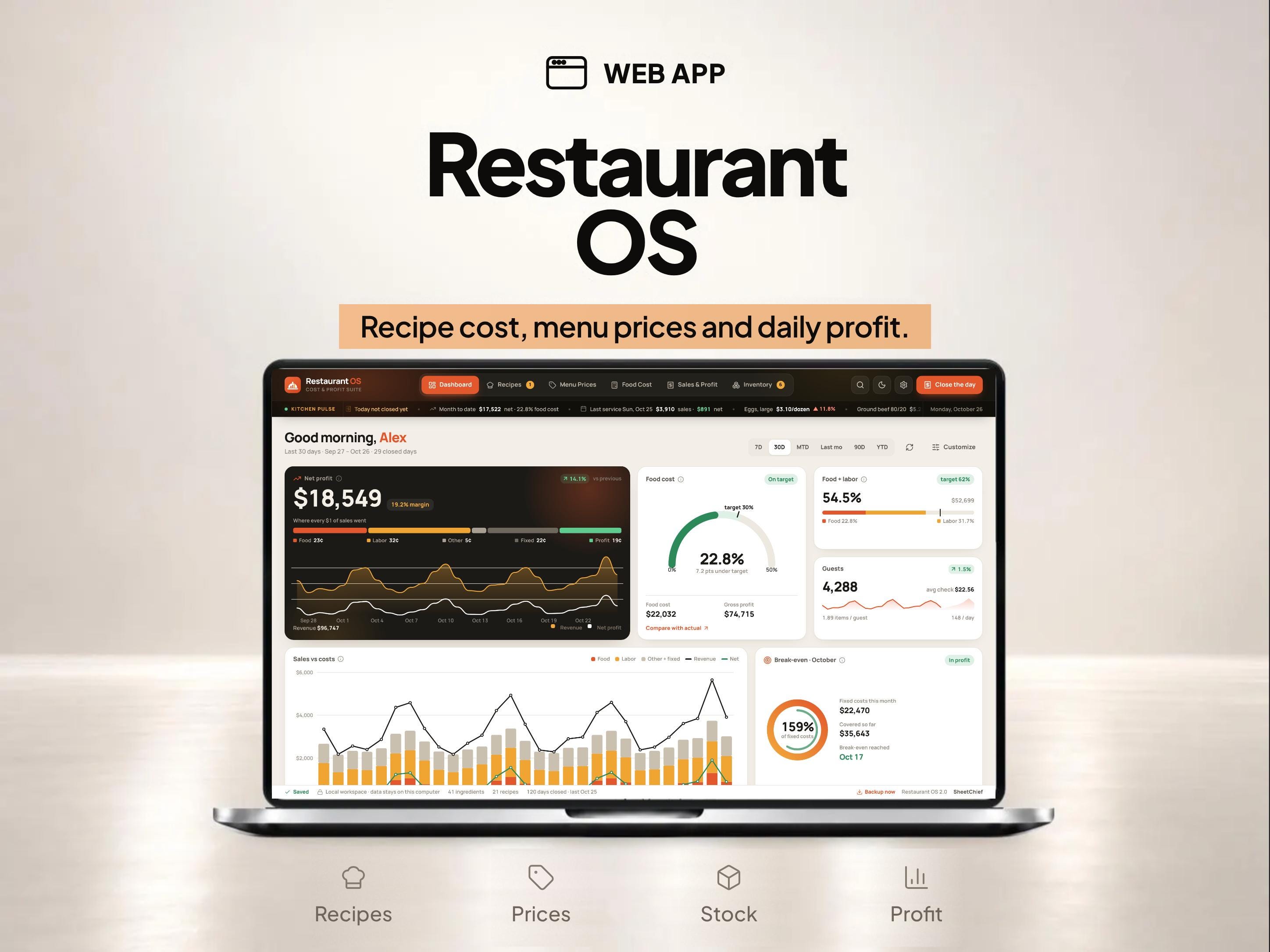
| Compare an app for recipe costing | Recipe Cost Calculator App | Recipe quantities, ingredient costs and the menu-pricing task to perform |
| Work with an Excel bakery-costing file | Recipe Cost Calculator for Excel | Recipe inputs and the cake or bakery item being priced |
Start with one task and a defined time period
For recipe costing, prepare supplier pack sizes and prices, ingredient quantities and the number of portions actually produced. For a weekly operations review, prepare sales, labor and inventory records covering the same dates. A calculator can explain one recipe; a recordkeeping template gives you a repeatable place for the numbers you collect.
Try the free recipe cost calculator with a sample batch. It shows ingredient totals and cost per serving, with packaging displayed separately. You can export your calculation as a CSV before deciding whether you need a fuller spreadsheet.
Match the file format to your working routine
Check the current product listing for its Google Sheets and Excel files, access instructions and software requirements. Choose the format you will actually maintain, and keep an untouched original before entering your own business data. Decide who will update prices, record deliveries and review the results; a template still needs consistent inputs.
If you only need one workflow, compare the individual template with the bundle. The bundle listing is the source for its current included files and price. A collection page cannot replace those purchase details.
Check the difference between recipe estimates and operating records
A recipe estimate answers what the ingredients for a defined batch should cost. A stock record helps explain what was received, used or wasted. A profit and loss record combines categories across a reporting period. Keeping those purposes distinct helps you investigate a difference instead of assuming every total measures the same thing.
Use the worked examples in our guides to check your method, then review the screenshots of the product you are considering. The free calculator and article examples are separate learning tools; they do not represent every field or automation in a paid template.