Give the visitor a clear starting point
Explain your creator focus in one sentence and provide a visible contact route. An illustrative example is: “I create product demonstrations and everyday-use videos for home and lifestyle brands.” Choose a focus your samples can support.
A brand looking for a demonstration should find one quickly. Put relevant examples near the start, with direct navigation labels such as Work, Services, About and Contact.
Show samples with enough context to judge them
Label each sample with its format and your role. A product demonstration, voiceover review and problem-to-solution concept show different skills. Explain whether you developed the concept, filmed, edited or completed the whole piece.
Label self-directed work as a sample concept without implying a brand commissioned or endorsed it. Use client feedback or performance figures only when you can support and appropriately share them. For a metric, identify the content, measurement period and source.
Review the sample as a visitor: check playback, sound, captions and the thumbnail. Add a useful description for someone who has not pressed play.
Use a portfolio structure that answers seven questions
The following is an editorial checklist you can adapt to any layout. It is not a required page order or a promise about a template's exact design.
- Who are you? State your creator focus and main offer.
- What does your work look like? Present a focused selection of samples.
- What did you contribute? Explain your role and the sample context.
- What can a brand request? Describe the formats or services you actually provide.
- How does a project run? Outline your process from brief to delivery.
- What information is needed for a quote? Explain the inputs you need.
- What should the visitor do next? Provide a clear contact route.
If your work is still developing, be specific about what you can demonstrate today. A smaller honest portfolio gives a clearer starting point than a larger collection of unsupported claims.
Keep the proposal specific to one brand and brief
Your portfolio introduces your work. A proposal explains a proposed project. Start the proposal with the brand's stated objective, the intended audience and the creative idea you are proposing. Then list deliverables in plain language: number of videos or photos, intended format, approximate length, whether you will supply edited files and which variations are included.
Describe the review process, proposed timeline and the information or products you need from the brand. If something is not yet agreed, mark it as a question or an assumption rather than quietly treating it as confirmed. A proposal becomes easier to review when the reader can distinguish the creative idea, the included work and the open decisions.
Make pricing information interpretable
If you include a rate card, state what each price covers. Separate the core deliverables from optional additions so a brand can understand the difference between packages. Examples of scope questions include extra edits, alternate openings, raw footage, delivery timing and intended uses of the content.
Discuss and document those details with the brand rather than assuming a portfolio rate answers every project question. The purpose of this checklist is clear communication; it does not supply a contract or a universal pricing rule. Avoid promising sales, views or other outcomes that your production work alone cannot control.
Test the experience before sharing the link
- Open the portfolio on a phone and check text size, video layout and navigation.
- Check that sample links work for a visitor who is not signed into your editing account.
- Confirm that your contact route works and does not expose information you intended to keep private.
- Remove placeholder text, unused sections and example contact details.
- Match sample labels, package descriptions and proposal wording.
- Keep a dated copy of the proposal sent to each brand.
After sharing, keep a simple record of the contact, proposal date, agreed next step and project status. That record helps you follow your own commitments without relying on memory or scattered messages.
Start from a template, then make the content your own
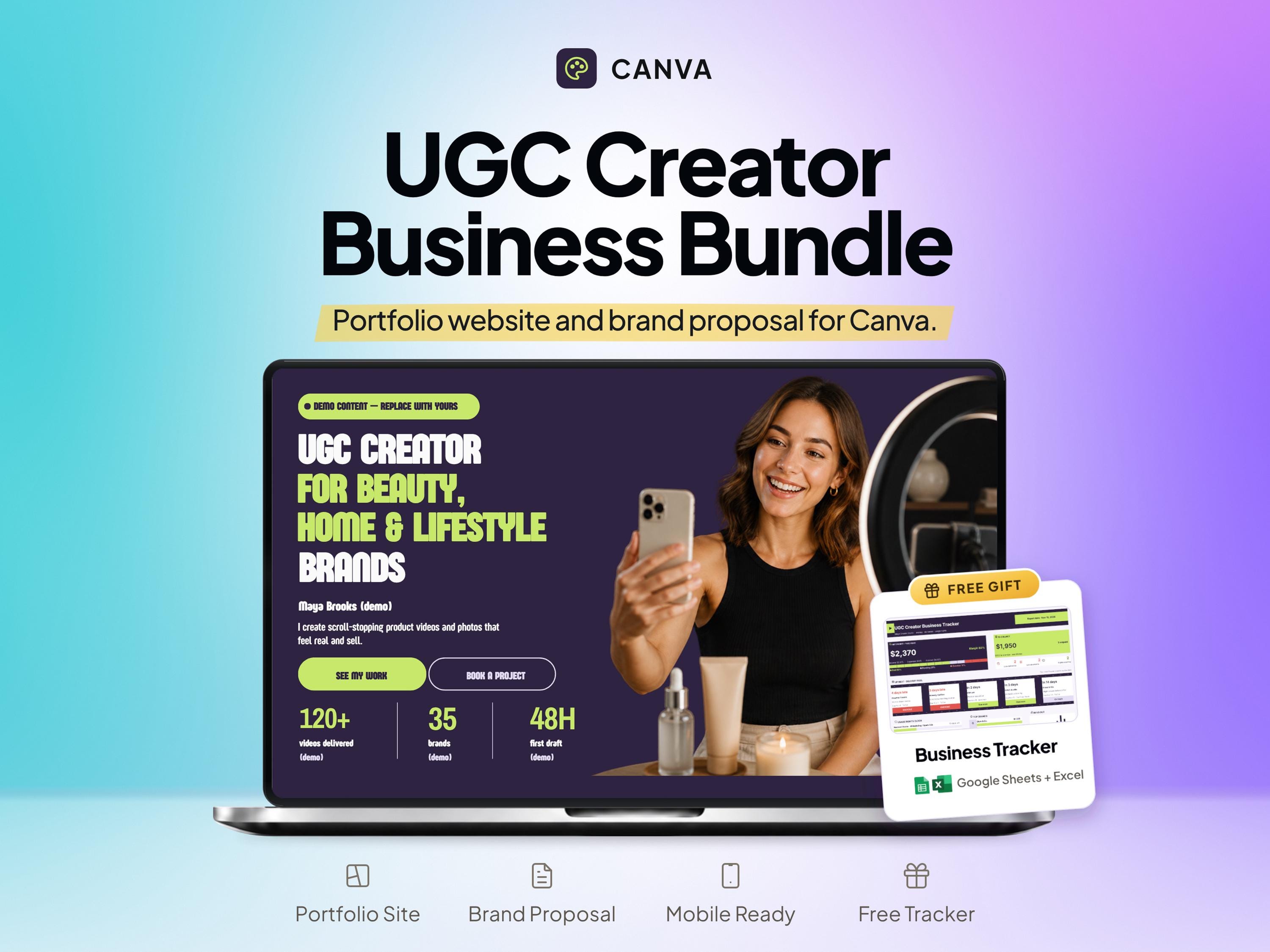
This guide is published by SheetChief, the seller of the linked digital product. The SheetChief UGC Portfolio Template combines a Canva creator portfolio and brand proposal with a Google Sheets and Excel creator tracker. Review the current listing for the included layouts and access instructions.
A template can give your material a consistent structure. Your own work samples, accurate descriptions and a clear offer supply the substance. Use the checklist above to prepare those inputs before you begin replacing example content in the design.
Put this into practice
UGC Portfolio Canva Template, Brand Proposal & Creator Tracker
Compare the actual product previews and included files before choosing a paid template.
Questions, answered
Can a new creator build a portfolio without paid client work?
Yes. Use your own self-directed samples and label them clearly. Explain the format and your role without suggesting that a brand hired or endorsed you.
What is the difference between a portfolio and a proposal?
A portfolio demonstrates your work and services. A proposal describes the deliverables, scope, process and open decisions for a particular project.
Do I need to show every sample?
No. Choose a focused selection that helps the intended brand understand your relevant skills. Add concise context and keep each sample accessible.
Related SheetChief tools
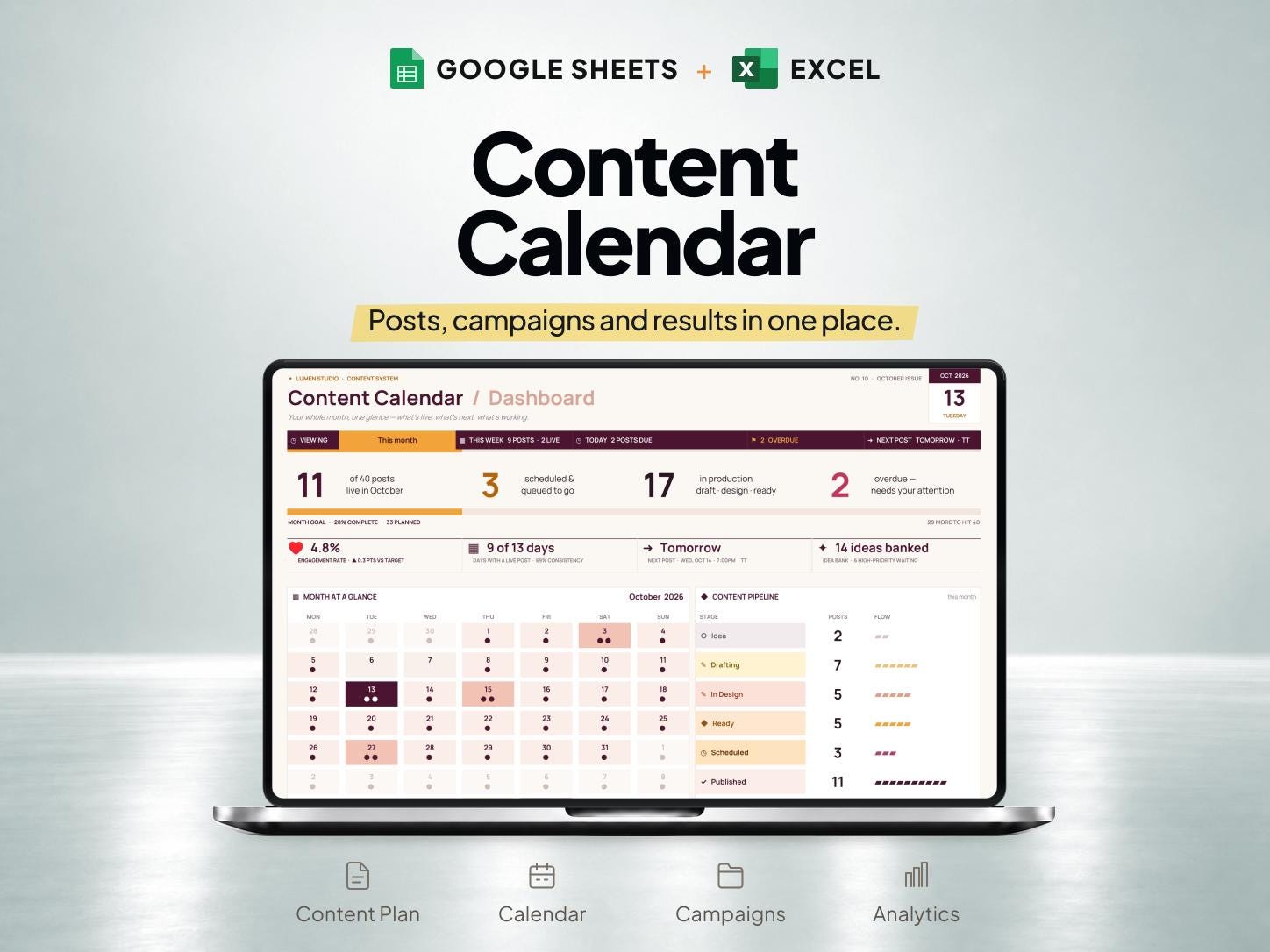
These are our own products. The examples above explain the task; check each Etsy listing to confirm which features and formats are included.